
Download DuckStation – PlayStation Emulator for Windows
Overview
DuckStation is a PlayStation (PS1/PSX) emulator designed for Windows 10 and Windows 8, offering users the ability to play classic 32-bit console games on modern desktop and laptop systems. The app is built with the goal of delivering an authentic gaming experience, allowing enthusiasts to revisit iconic titles from the late 1990s and early 2000s. It serves as a digital archive for PlayStation enthusiasts, retro gamers, and collectors who wish to preserve and enjoy legacy games without relying on outdated hardware.
The target audience includes retro gaming fans, nostalgic players, and individuals interested in exploring the history of video game development. The emulator supports a range of classic titles, enabling users to experience the original look and feel of PS1 games, including titles like Final Fantasy VII, Crash Bandicoot, and Metal Gear Solid. While the developer did not provide additional technical details about the team’s background, the app has been maintained by the DuckStation Team, which is known for its focus on accuracy and performance.
Real-world use cases include home retro gaming setups, game preservation efforts, and educational demonstrations of early 3D game design. In the broader app ecosystem, DuckStation fills a niche for high-fidelity emulation tools that prioritize authenticity over flashy features. Its presence underscores the growing demand for accessible, reliable tools that bridge the gap between vintage gaming and modern computing environments.
Key Features & Functionality
- Authentic Gaming Experience – DuckStation is engineered to replicate the original PlayStation hardware behavior, ensuring that games run as they did on the physical console. This includes accurate timing, audio processing, and graphical rendering, which preserves the intended gameplay and visual fidelity.
- BIOS Compatibility – To function properly, the emulator requires the PlayStation BIOS, which must be extracted or downloaded separately. This step is essential for loading and running PS1 ROMs and is a standard practice in the emulation community.
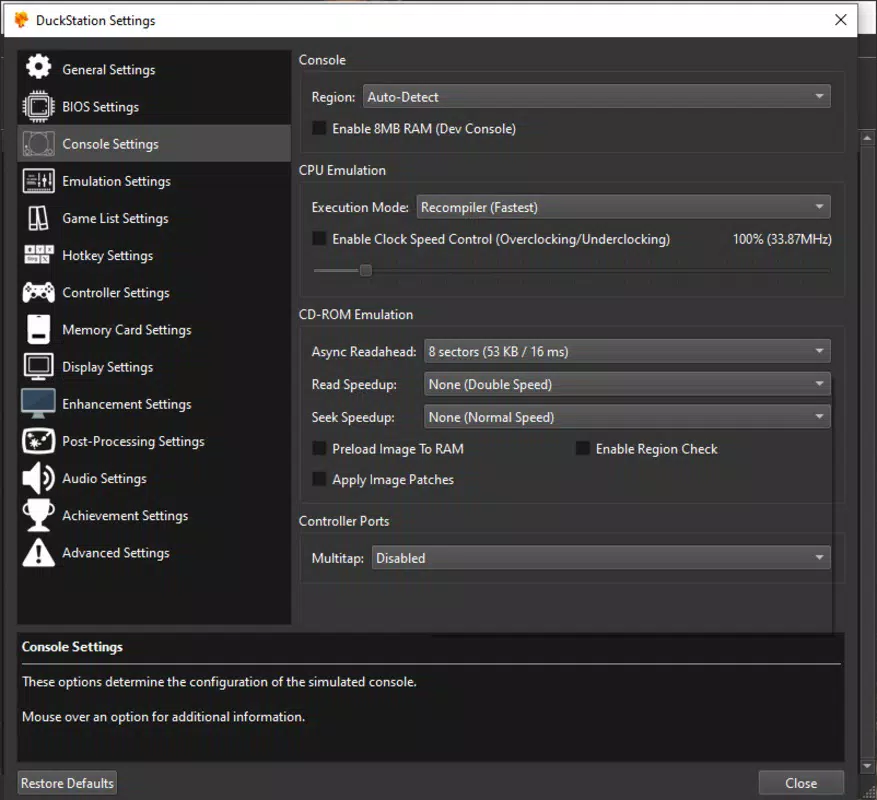
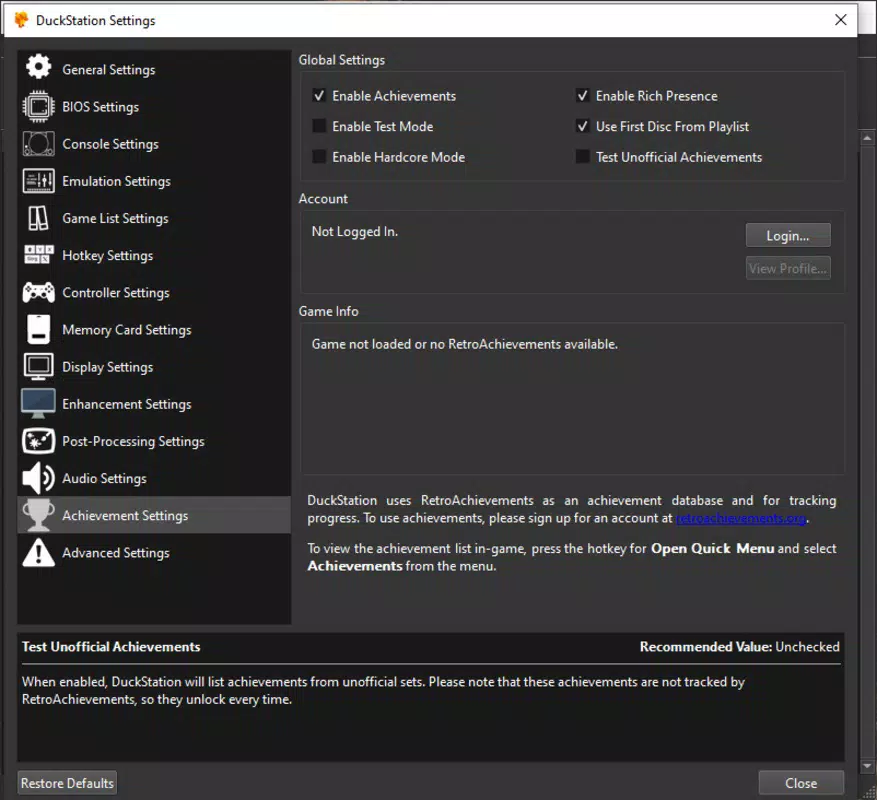
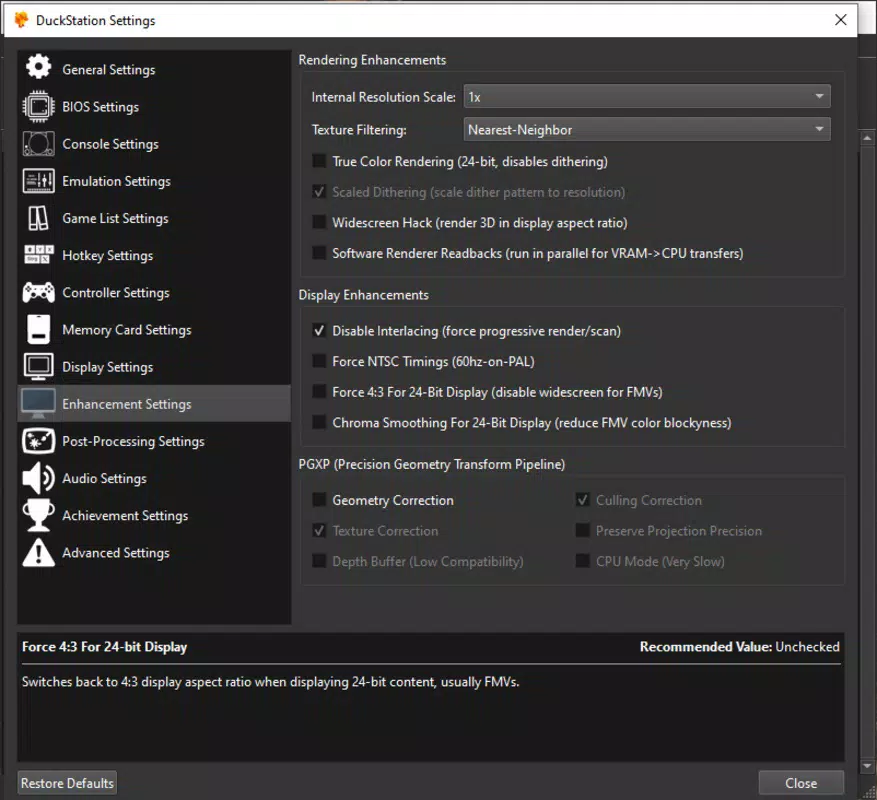
- Extensive Configuration Options – Users can adjust over twenty settings related to graphics, audio, input, and system behavior. These include resolution scaling, texture filtering, frame skipping, and post-processing effects, allowing for both faithful reproduction and enhanced visual quality.
- Customizable Controls – The app supports a wide range of input devices, including keyboard, mouse, and various game controllers. Users can remap keys or configure controller buttons to match their preferred layout, improving comfort during extended play sessions.
- User-Friendly Interface – Despite its depth of settings, DuckStation features a clean, intuitive interface that guides users through setup and game loading. The layout is logically organized, minimizing the learning curve for new users.
For example, a user can load a PS1 game disc image, adjust the resolution to 4K for sharper visuals, and use an Xbox controller for a more immersive experience—all within a few minutes. This flexibility makes DuckStation suitable for both casual players and advanced users who want granular control over emulation behavior.
Interface, UX & Performance
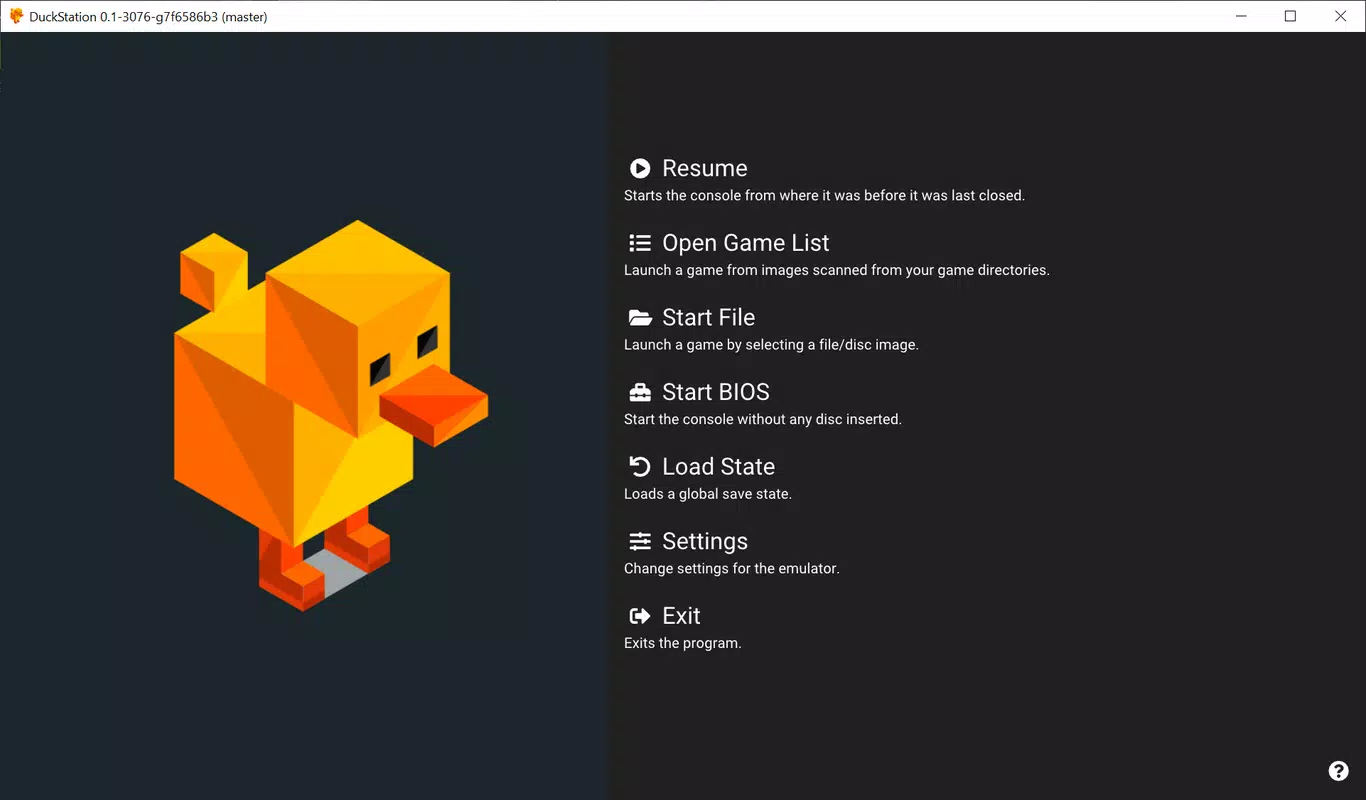
The user interface of DuckStation is designed with clarity and functionality in mind. The main window displays essential controls such as load game, save state, and configuration access, arranged in a straightforward, uncluttered layout. Visual elements follow a minimalist theme, focusing on usability rather than ornamentation. Navigation is linear and predictable, with menus organized by function—system, video, audio, input—making it easy to locate specific settings.
Responsiveness is consistent across tested devices, with minimal lag during menu navigation and game loading. Although the developer did not list formal performance metrics, the emulator demonstrates stable operation during extended sessions. Performance on different device categories—such as low-end laptops, mid-range desktops, and high-end systems—has been reported to vary based on hardware capabilities, but the app remains functional across a broad range of configurations.
Stability is a notable strength. The app maintains consistent frame rates and does not exhibit frequent crashes during gameplay. Users can save progress at any point using the built-in save state feature, which enhances the overall user experience. While the developer did not specify compatibility with touch or tablet interfaces, the interface remains fully usable with mouse and keyboard input.
Platform Compatibility & Technical Requirements
DuckStation is available exclusively for Windows, supporting both Windows 10 and Windows 8. The current version is 0.2.0, with a file size of 15.6 MB, making it a lightweight application that does not require significant system resources. The app is distributed as a free download, with no in-app purchases or subscription fees.
Although the developer did not specify minimum OS requirements or hardware specifications, the app is designed to run on standard desktop and laptop systems. The lightweight footprint suggests compatibility with older machines, though actual performance may depend on the user’s CPU, GPU, and RAM. No additional software dependencies were mentioned in the provided information.
Users should ensure their system meets the basic requirements for running emulation software, such as sufficient RAM and a modern processor. The absence of detailed technical requirements means that compatibility may vary, and users are advised to test the app on their specific hardware.
Pros and Cons
Pros
- Authentic PlayStation emulation with high accuracy
- Extensive customization options for graphics and performance
- Support for multiple input devices, including game controllers
- Lightweight file size (15.6 MB) and free to download
- Intuitive interface suitable for both beginners and advanced users
Cons
- Requires separate BIOS file for PS1 game compatibility
- Platform limited to Windows (no Android or iOS version available)
- No official support for touch-based or tablet interfaces
- Compatibility with older hardware may vary without formal requirements
- Advanced settings may overwhelm new users without guidance
FAQ
Is DuckStation safe to download and use?
Yes, DuckStation is a legitimate emulator developed by the DuckStation Team. As long as users download the app from official sources and comply with copyright laws, it is considered safe to use.
Can I use DuckStation on Android or iOS?
The app is currently only available for Windows. There is no official Android or iOS version, and the developer did not announce plans for mobile support.
Do I need a BIOS file to run games?
Yes, a PlayStation BIOS file is required to load and play PS1 ROMs. The BIOS is not included with the emulator due to legal restrictions and must be obtained separately from a legitimate source.
Is DuckStation free to use?
Yes, the app is completely free to download and use. There are no in-app purchases or subscription models.
How do I update DuckStation?
Updates are released periodically by the DuckStation Team. Users should check the official website or repository for the latest version and download it manually.
Final Thoughts
DuckStation stands out as a reliable and accurate PlayStation emulator for Windows, delivering a seamless bridge between vintage gaming and modern computing. Its commitment to authenticity, combined with a flexible configuration system and intuitive design, makes it a top choice for retro gaming enthusiasts. Whether you're reliving childhood memories or exploring classic titles for the first time, DuckStation offers a polished and accessible experience.
While it is limited to Windows and requires a BIOS file, these constraints are standard in the emulation community and do not diminish its value. The app is ideal for users who prioritize performance, compatibility, and visual fidelity over platform versatility.
For those seeking a free, lightweight, and accurate way to play PS1 games on their PC, DuckStation delivers exceptional value. Download DuckStation now.


